Quick answer
Can you use a VV Ultimatum private server?
A VV Ultimatum private server is controlled by Roblox and the experience's current settings. Open the official experience page, choose Servers, and look for Private Servers or Create Private Server. If the section is visible, Roblox lets you create a name and choose access. If it is missing, the developer may have disabled the feature.
Do not treat a third-party page, invite code, or video description as proof that a private server is available. The official Roblox listing reflects the current experience ID and your account's real access state. An old link can point to a removed server, a different game, or outdated permissions.
Roblox may show a monthly price, a free option, or no option at all. The amount can change by experience, so read the live price and renewal wording before confirming. This guide explains the checks instead of promising a fixed cost or an always-working link.
A private server can make a group session calmer, but it does not bypass VV Ultimatum progression, faction, quest, or portal requirements. Players still need the correct game version and access state.
If the Private Servers section is not shown on the official Roblox page, there is no safe workaround to force it with a script, executable, or external generator.
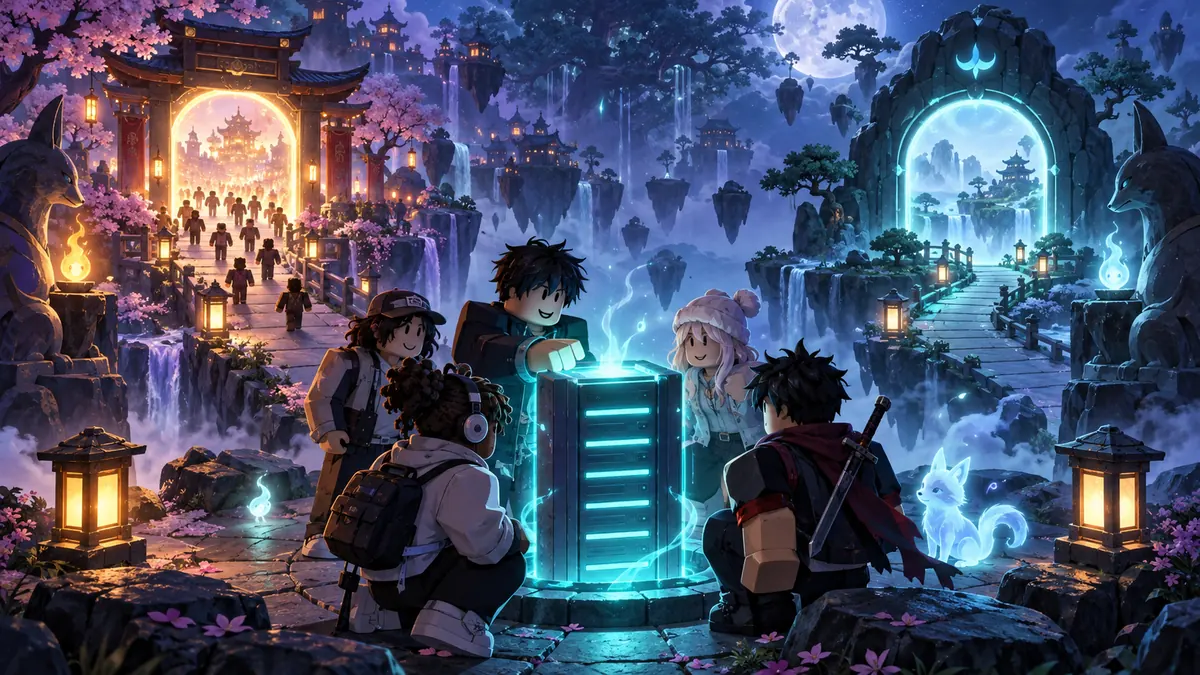
Setup flow
How to make a VV Ultimatum private server
Follow the official Roblox flow in this order. The labels can change with Roblox updates, so use the live button text rather than an old tutorial screenshot.
Open the real game page
Start from the VV Ultimatum experience page on Roblox. Confirm the title and creator before opening server controls. Avoid mirror pages that ask for a password or download.
Open the Servers tab
Select Servers and scroll below the public list. Look for Private Servers, VIP Servers, or Create Private Server. Roblox and the experience owner control the exact label.
Read the price and renewal terms
If Roblox presents a fee, check the amount, billing interval, and renewal wording. If it says free, still read the confirmation screen.
Create and name the server
Choose a short neutral name your group can recognize. Confirm the experience shown in the dialog before creating it.
Configure who can join
Use the controls to allow friends or add players when Roblox offers those options. Review privacy limits if a friend cannot see the server.
Share the Roblox link safely
Copy the link from Roblox and send it through a trusted channel. Confirm the destination, then meet in the same server before entering a portal.
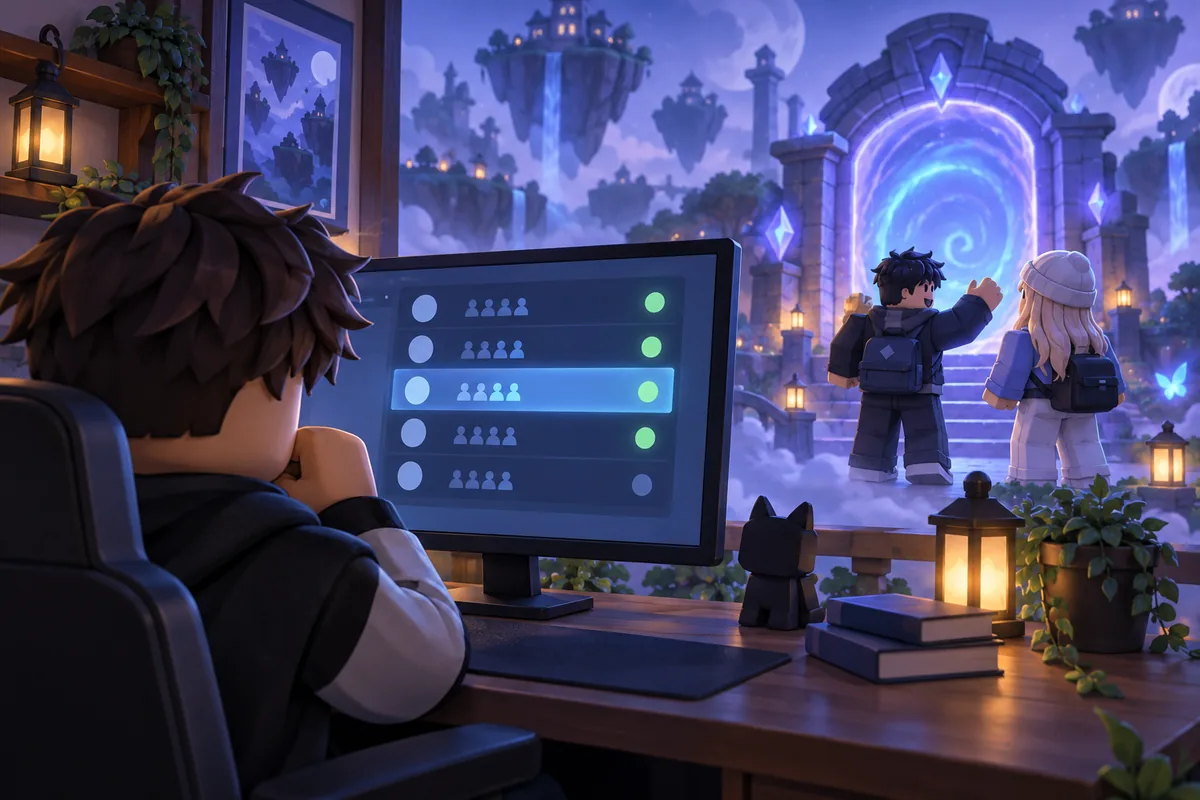
Server controls
VV Ultimatum private server settings to check
A successful creation does not guarantee that every friend can enter. Check the setting that matches the symptom instead of repeatedly opening the same invite link.
| Setting | When it matters | What to check |
|---|---|---|
| Server owner | The creator cannot manage access | Confirm you are signed into the Roblox account that created the server. |
| Friends allowed | A friend sees an access error | Review the friend relationship and the server's allowed-player control. |
| Private link | Players land on a public server | Copy a fresh link from the live Roblox server page instead of an old message. |
| Account privacy | Join or follow controls are missing | Review privacy, parental controls, age settings, and platform restrictions. |
| Experience access | Everyone joins but an activity is locked | Compare quest, faction, level, and update requirements inside the game. |
Roblox and VV Ultimatum can change labels, prices, and access rules. Use this table as a diagnostic map, not as a promise that every account sees identical controls.
When it helps
When a private server is worth using
A private server is useful when the group needs control over the session. It is not automatically better for every player or every activity.
Organized party runs
A quieter instance makes it easier to count teammates, wait for loading, and enter a portal on one call. Use the same-server ready check before starting.
Route practice
Players can test a route or explain a new area without competing with a public crowd. Record what changed after an update instead of relying on an old map video.
Safer teaching sessions
A new player can learn controls, faction goals, and inventory habits with fewer interruptions. Keep account credentials private even when the server is invite-only.
Scheduled groups
A shared link gives the group one destination for a planned session. Send a fresh link and the meeting time together so an outdated message is less likely to cause confusion.
Public-server overflow
If public instances are full, a private option may reduce join friction. It cannot repair Roblox outages or override an experience setting that blocks private servers.
Common fixes
Why is the VV Ultimatum private server not working?
Match the error to the layer that controls it: Roblox account access, the server listing, or the game's own progression rules.
There is no Private Servers section
Open the official experience page and check again after a refresh. If the section is still absent, the experience may not support private servers at the moment. Do not install a tool that claims to unlock it.
The link says you lack permission
Ask the owner to review the allowed-player list, check whether your Roblox account can join friends, and create a new link. An old link can keep pointing at a removed or reconfigured server.
The link opens a public server
Leave and return to the live Servers tab. Copy the private server link again, and confirm that the browser account matches the account receiving the invitation.
The price or renewal looks wrong
Stop before confirming the purchase. Read the current Roblox dialog and compare the experience name. Prices and renewal terms belong to the live listing, not to an old guide.
A friend joins but cannot enter an activity
Check quest progress, faction route, level gate, and update version. A private server changes the instance, not the game's progression requirements.
The server disappears after an update
Reopen the official page, check whether the server is active or expired, and ask the owner to create or renew it through Roblox. Do not trust a replacement link from an unknown account.
Player safety
Avoid fake private server generators
A real private server is created and managed inside Roblox. External pages that promise free access by asking for credentials, downloads, or browser scripts are not part of the normal flow.
- Never enter your Roblox password, recovery code, or cookie on a private-server page.
- Do not install executables, browser extensions, or scripts that claim to unlock a disabled server option.
- Check the destination domain before signing in or accepting an invite.
- Treat free Robux, unlimited rewards, and instant server generators as scam signals.
- Use the official Roblox listing and in-game controls for access, payment, and reporting.
Plan the session
Useful VV Ultimatum guides before you join
Use these pages to organize a group, verify official links, and prepare a route before opening a private server.
FAQ
VV Ultimatum private server FAQ
Checked sources
Official sources and update notes
- Official VV Ultimatum Roblox experience — Use the live experience page and Servers tab for the current access state.
- Roblox Private Servers help — Official explanation of private-server creation and account controls.
- Roblox privacy and parental controls — Official account-level guidance when a friend cannot join or follow an experience.