Quick answer
How do guilds work in VV Ultimatum?
VV Ultimatum calls the feature an Organization, but players commonly search for it as a guild. A leader creates the group through the Organization NPC in Customs, recruits members, assigns ranks, manages shared money, and can develop a guild base as the organization progresses.
Creating immediately is not always the best move. New players usually learn more by joining an active organization first, seeing how leaders handle funds and permissions, and confirming the current patch cost before spending currency. Create your own guild when you already have reliable members, a clear activity schedule, and a reason to control the base roadmap.
Guild costs and interface details can change in a live-service update. This guide separates verified community mechanics from planning advice and recommends checking the current NPC screen before paying.

Before paying
VV Ultimatum guild requirements and first decision
A community walkthrough published after the Organizations update reports that creation starts at the Organization NPC in Customs and requires an upfront currency payment. Because live values can change, verify the number shown by the NPC and use this table as a decision checklist rather than a permanent price promise.
| Check | What to verify | Recommended action |
|---|---|---|
| Creation currency | The NPC displays the current fee before confirmation; community reporting has shown 7,000 Yen for the initial release. | Do not pay until your team and guild name are ready. |
| Reliable members | A guild is more useful when several players overlap in schedule and progression goals. | Recruit a small dependable core before opening broadly. |
| Leadership plan | Owners and officers can affect invitations, ranks, funds, and base decisions. | Write a simple permission rule before promoting anyone. |
| Base goal | Building without a shared priority can drain funds on low-impact upgrades. | Agree on utility, training, or defense priorities first. |
Creation route
How to create a guild in VV Ultimatum
The exact interface may move, but the stable flow is to reach Customs, find the Organization NPC, review the fee, create the organization, and configure access before inviting a large roster.
Travel to Customs
Reach the Customs area through your current progression route. If you cannot access it, continue the required story or travel unlocks before assuming the guild system is broken.
Find the Organization NPC
Look for the NPC that opens organization creation and management. Read the current prompts carefully because patch wording and location details can change.
Confirm the live creation fee
Check the amount displayed in-game. Older or launch-period guides may show a figure that no longer matches the current update.
Choose a durable guild identity
Use a readable name and a simple purpose: PvE progression, PvP practice, quest help, or mixed play. Avoid names that depend on a temporary patch joke.
Set ranks before mass recruiting
Keep powerful permissions limited. Add trusted officers first, define what specialists can do, and test invitation and fund controls with a small group.
Invite members and set the first goal
Give the roster one immediate objective, such as funding a useful base feature, scheduling a progression session, or helping newer members unlock access.

Ranks and funds
Manage members without losing control of the guild
The safest organization is not the one with the most officers. It is the one where every permission has a reason, shared money has a visible purpose, and inactive members do not block the roster.
Owner
Keep final control of rank changes, high-cost spending, and base direction. Use this role for accountability, not day-to-day micromanagement.
Officers
Promote only players who consistently organize runs and communicate clearly. Community reporting for the launch system described a limited officer count, so each slot should have a job.
Specialists and members
Use lower-permission ranks for active players who help with combat, recruitment, farming, or mentoring without needing unrestricted management access.
Guild fund policy
State what deposits are for, who can spend, and which upgrade is next. Never pressure players to donate before they understand the goal.
Recruitment
Recruit for schedule and behavior before raw power. A slightly weaker reliable player usually contributes more than a strong member who never joins planned activities.
Activity review
Use a clear inactivity rule with exceptions for announced breaks. Remove access calmly rather than changing permissions during conflict or without explanation.
Build order
VV Ultimatum guild base builds: what should you prioritize?
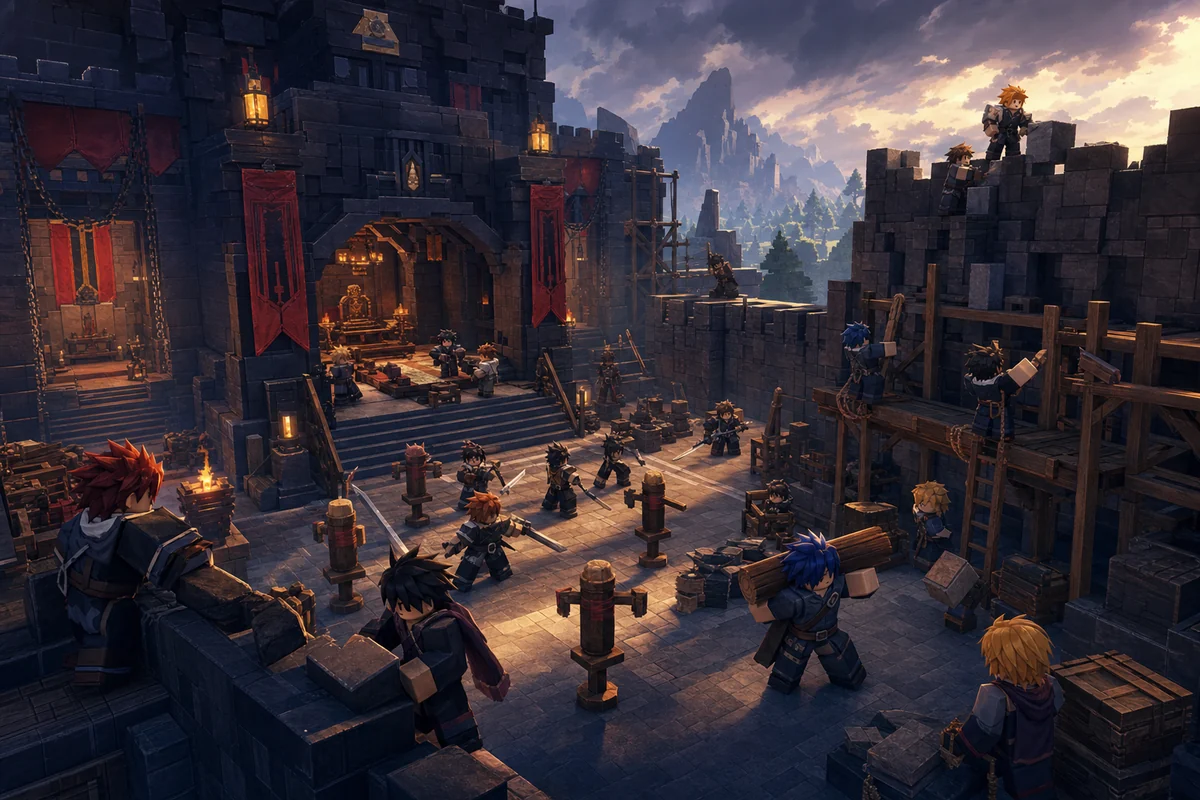
Treat the base as a shared progression tool, not a decoration contest. Start with features that help the largest number of members reach, train, regroup, or prepare for activities. Decorative or prestige choices can wait until the guild has stable income and active leadership.
Before placing anything, decide who controls build mode and how changes are approved. Community guides show that organizations can collect funds and develop their own base, but placement controls and prices may change with updates. Test a cheap placement first and keep enough funds for correction or removal costs.
Practical base priority order
- Access and regrouping: make the entrance and central meeting point easy to understand.
- Training utility: reserve a clear area for practice, loadout discussion, and new-member instruction.
- Defensive layout: avoid narrow clutter that blocks movement or separates teammates.
- Resource discipline: complete one useful zone before starting several unfinished projects.
- Prestige and decoration: spend on appearance only after the functional plan is funded.
Searches for “guild base builds” often expect a single perfect layout. There is no universal best base: choose for your roster size, common activities, movement needs, and current build limits.
Common fixes
Guild creation, invitation, and base troubleshooting
Use the symptom to separate a progression gate, permission problem, insufficient funds, full or invalid roster state, and an update-related interface change.
The Organization NPC is missing
Confirm that you are in Customs, that your route has unlocked the area, and that the current server is on the latest version. Rejoin once before following an older location video.
The creation cost is different
Use the value shown by the live NPC. Community launch guides are useful for the workflow, but balance patches can change the fee without changing the overall creation route.
A player cannot join
Check spelling, current membership, pending invitations, rank permission, and whether the target player is already attached to another organization.
An officer cannot manage something
Review the actual rank permissions instead of assuming every officer or specialist has identical access. Reassign only the permission needed for the task.
Base building is unavailable
Confirm that the organization has the required funds or progression, that you have build permission, and that the selected object fits the current placement rules.
Plan the roster
Useful VV Ultimatum guides for guild members
These pages help a guild coordinate factions, clans, group sessions, rewards, and official update checks.
FAQ
VV Ultimatum guild FAQ
Checked sources
Sources and update notes
- Official VV Ultimatum Roblox page — official experience identity and current launch destination
- Nerdschalk Organizations guide — community documentation of the Customs NPC, launch fee, ranks, funds, and base system after Update 1